Learning Targets:
- I can “vectorize” a raster graphic
Think, pair, share:
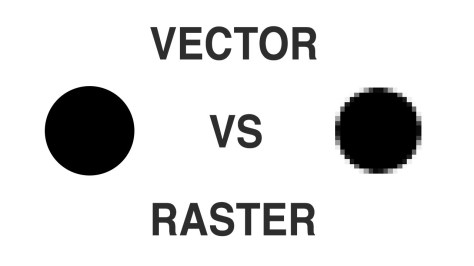
- Open up your Adobe Spark advertising webpages, research the difference between vector graphics and raster graphics and record your research. Add graphic representations to your webpage as part of your research.
 New Assignment:
“Vectorize” a raster image
- Download the skyscraper image to your F drive folder
- Open the skyscraper image in Adobe Photoshop
- Open layers panel
- Create a new layer (shift+Ctrl+N)
- Name the new layer vector
- Select the pen tool (P)
- Click, or click and drag as needed, to create a vector shape tracing the contours of the largest building
- Make sure to close the path using the pen tool to create a vector shape
- Select the paths panel and click on the upper right (four lines) and choose to fill the path with a color or pattern
- Turn off the background layer to see the vector image you created
- Name your vector image lastname_vectorize and save it as a PSD file to your F drive
- Turn in your final image to the vectorize a raster image assignment
 Advertising Class